Blog Articles

Explore the latest news, updates, and practical guides.

Guide to Stone Engraving Using Longer Laser Engravers

Guide to Stone Engraving Using Longer Laser Engravers

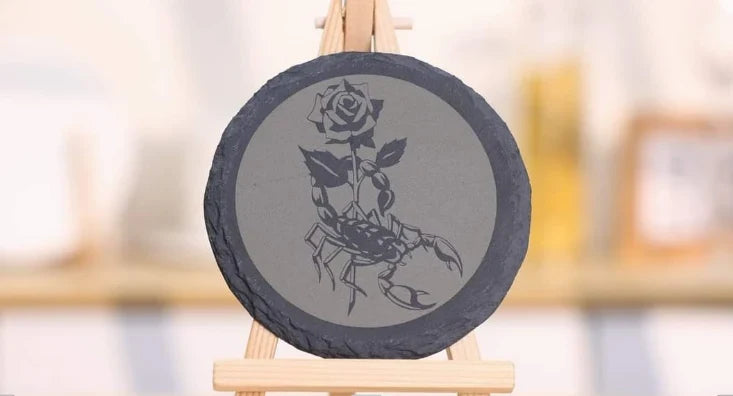
Stone engraving is a popular laser application that allows creators to turn natural materials into durable and detailed artworks. Compared with common materials like wood, stone offers a unique texture and long-lasting finish. With Longer laser engravers, including...
Read more
How to Check and Install Drivers

How to Check and Install Drivers

Before connecting your Longer laser engraver to your computer, make sure the required drivers are installed correctly. If the driver is missing or installed incorrectly, software such as LightBurn, LaserGRBL, or LaserBurn may not recognize your machine. This...
Read more
How to Update the Firmware on Nano Series

How to Update the Firmware on Nano Series

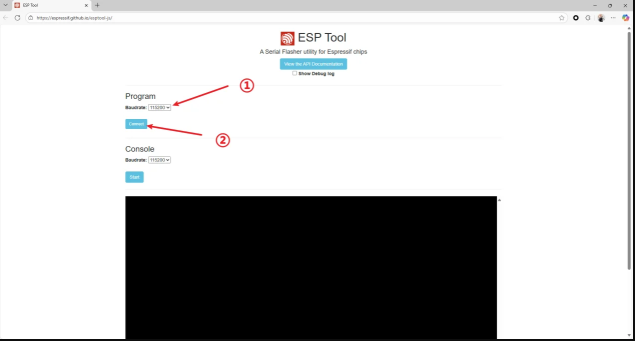
Keeping your laser engraver firmware updated can help ensure your machine works properly and stays compatible with the latest features and improvements. For the LONGER Nano series, firmware updates can be completed in several ways, including online update...
Read more
How to Update Firmware on Ray5

How to Update Firmware on Ray5

Keeping your Longer Ray5 laser engraver updated with the latest firmware is essential for maintaining stable performance, improving engraving accuracy, and unlocking new features. Regular firmware updates help fix known bugs, enhance motion control, and ensure better compatibility...
Read more
“Busy/Paused” Machine Prompt — Nano Troubleshooting

“Busy/Paused” Machine Prompt — Nano Troubleshooting

When using the LONGER Nano Series laser engraver, some users may see a “Busy/Paused” message during operation or connection. This message usually appears because of communication issues, such as an active engraving task, incorrect driver installation, USB connection problems,...
Read more
How to Focus the Ray5 Mini

How to Focus the Ray5 Mini

Proper laser focusing is an important step for achieving clear and precise engraving results with the LONGER Ray5 Mini. An incorrect focus distance may cause blurry engraving, uneven results, or reduced cutting performance. This guide explains how to correctly...
Read more
How to Update the Firmware on Ray5 mini/miniS

How to Update the Firmware on Ray5 mini/miniS

Keeping the firmware updated is important for maintaining stable performance and reliable operation of your LONGER Ray5 mini and Ray5 miniS laser engravers. Firmware updates can improve device compatibility, fix known issues, and optimize communication between the machine...
Read more