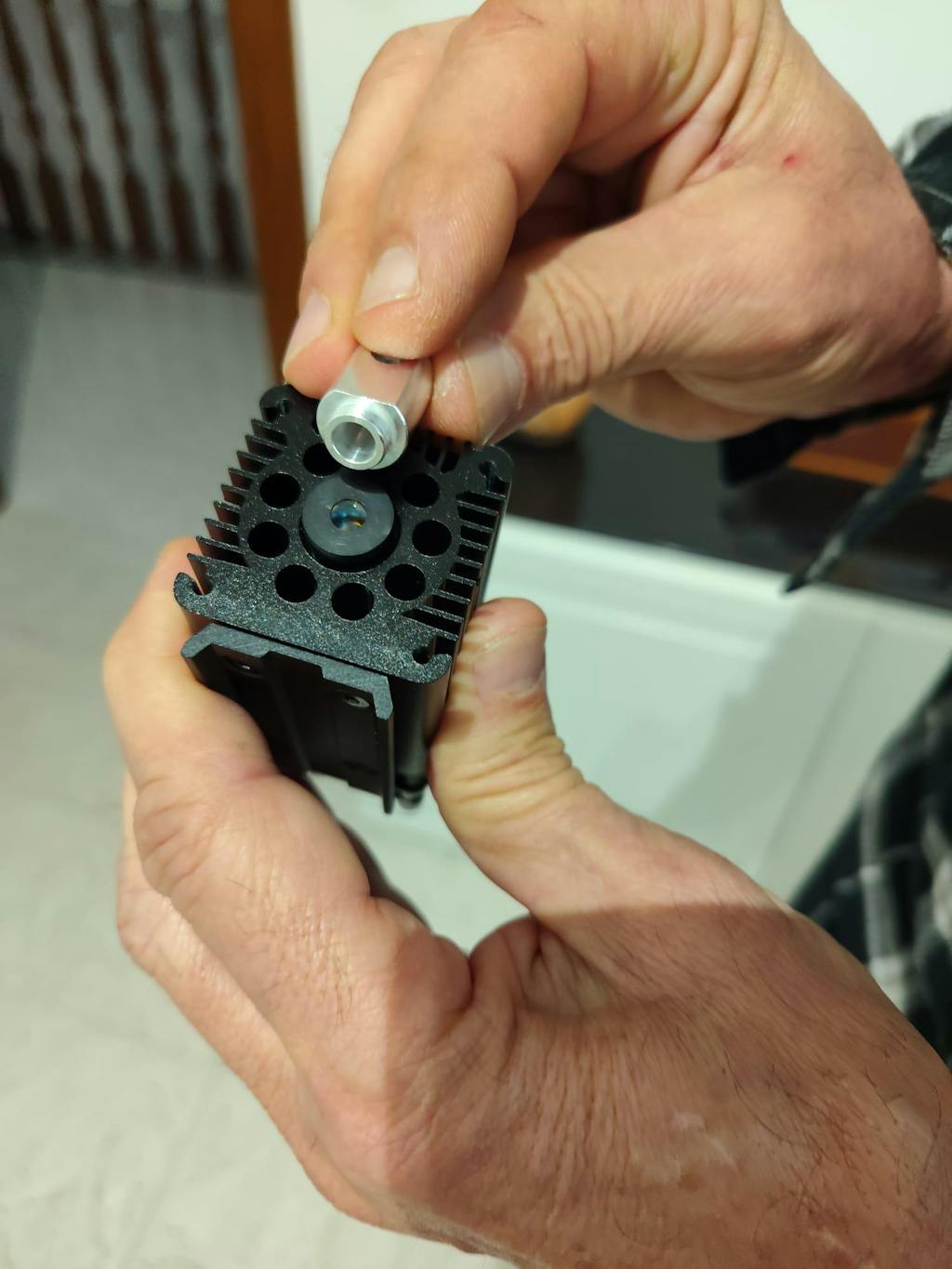
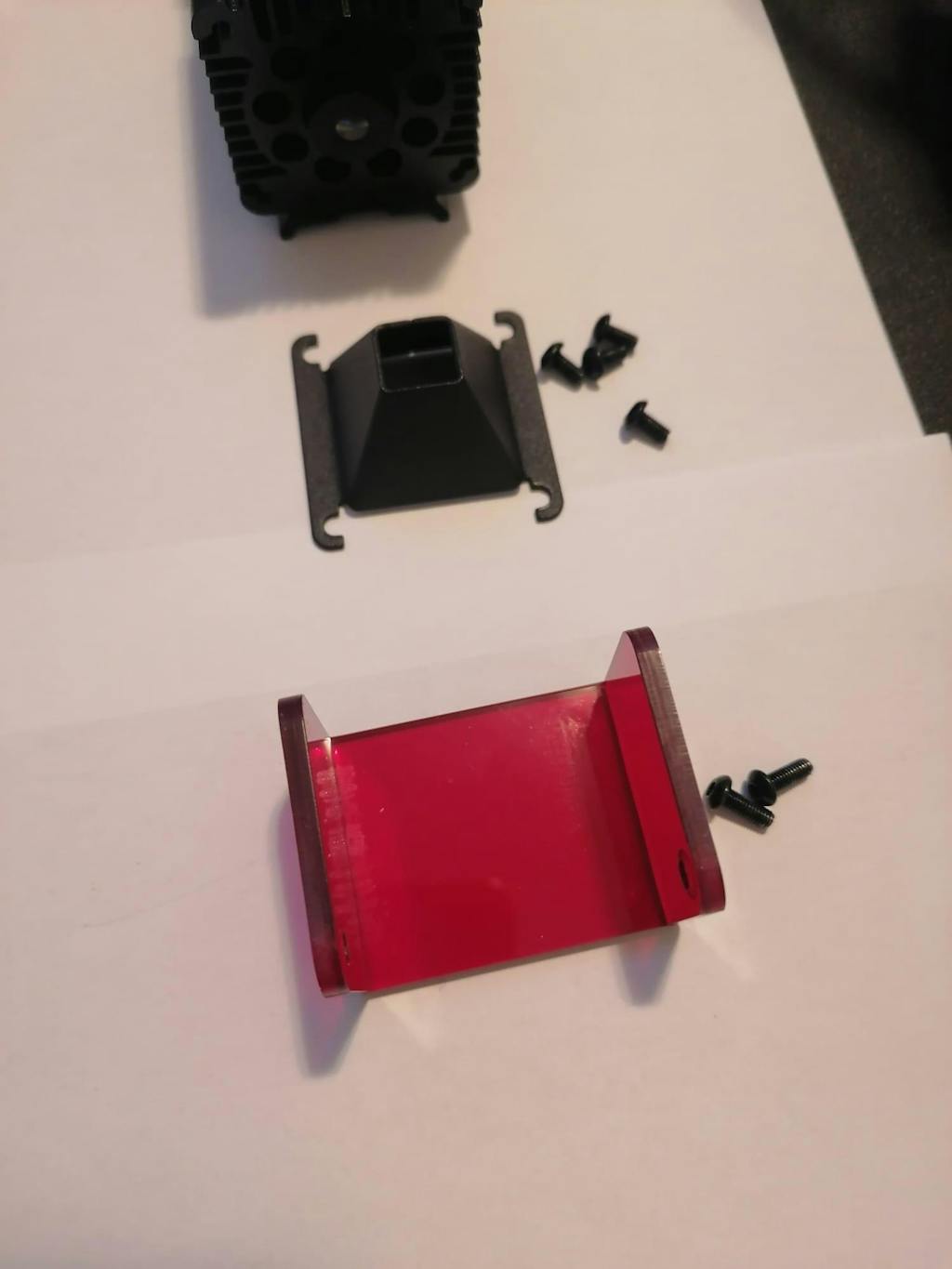
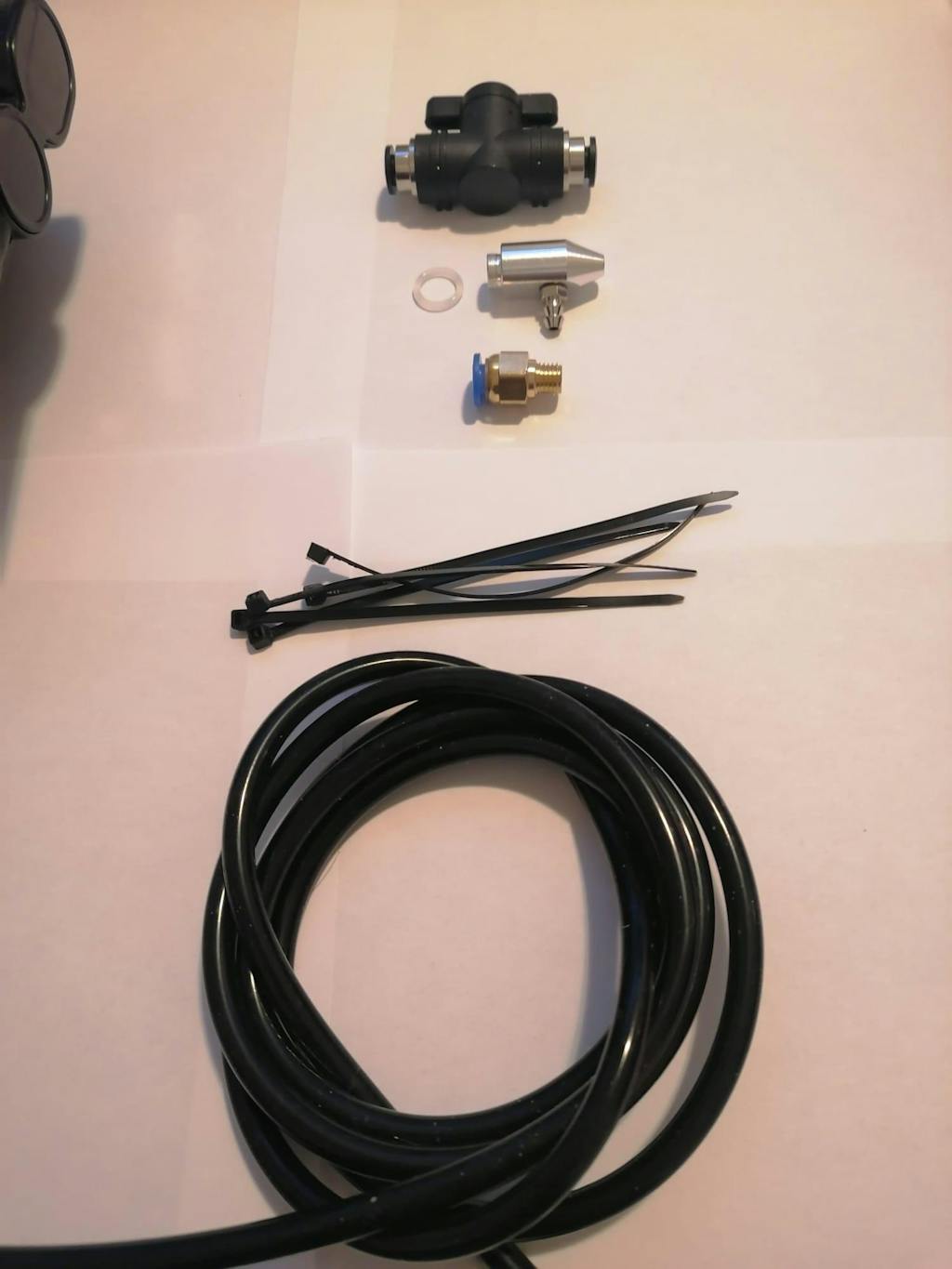
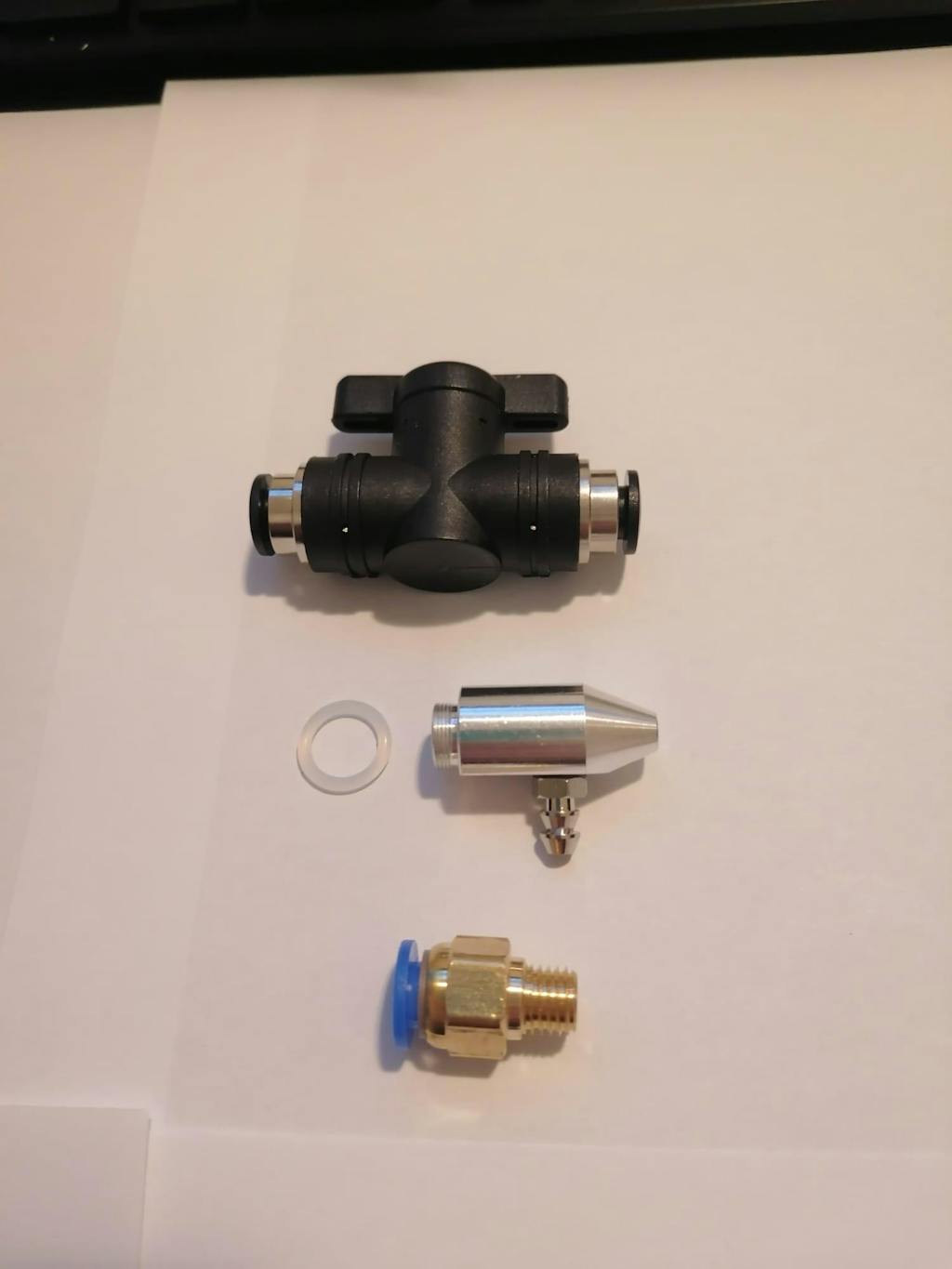
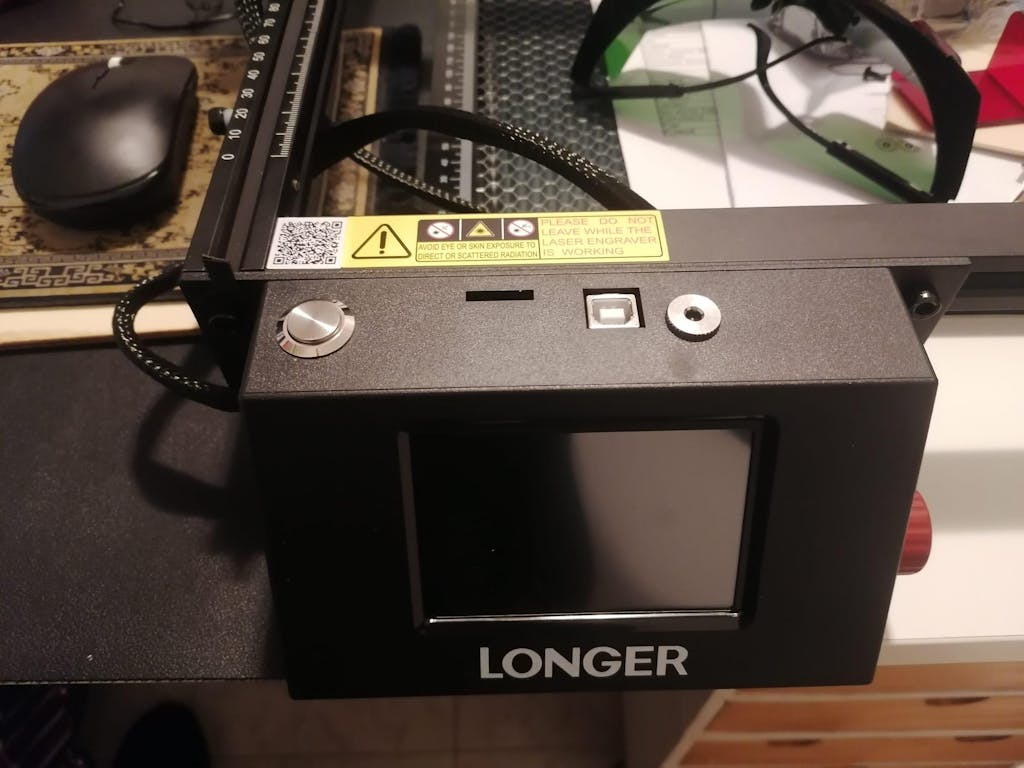
The LONGER Nano Pro 12W field lens is an essential component that directly affects engraving area, focus performance, and engraving precision. Understanding how the field lens works can help beginners improve engraving quality while helping experienced users optimize production efficiency and material compatibility.
Table of Contents
Quick Answer: What Does the LONGER Nano Pro 12W Field Lens Do?
The field lens in the LONGER Nano Pro 12W laser engraver controls the laser focus area and determines the engraving size, detail level, and working distance. Different field lenses provide different engraving ranges and affect precision, speed, and overall engraving performance.
What This Guide Covers
This guide explains:
- What a laser engraver field lens is
- How the LONGER Nano Pro 12W field lens works
- The relationship between lens size and engraving area
- How field lenses affect engraving quality
- Common issues and troubleshooting tips
- Best practices for beginners
By the end of this tutorial, you will better understand how to maximize engraving quality and choose the proper setup for your projects.
Why the Field Lens Matters in Laser Engraving
The field lens is one of the most important optical components in a laser engraving system. It directly influences:
- Engraving precision
- Spot size
- Working area
- Focus distance
- Processing speed
- Image clarity
A properly selected and maintained field lens helps ensure stable engraving results across different materials such as wood, metal, leather, acrylic, and coated surfaces.
For users working on fine detail projects, understanding the lens system is especially important.
If you are also learning engraving optimization, you may find these related guides useful:

Before You Start
Requirements
Before learning about the LONGER Nano Pro 12W field lens, prepare the following:
- LONGER Nano Pro 12W laser engraver
- Installed field lens
- Clean working environment
- Proper laser safety glasses
- Manufacturer-recommended accessories
- Stable engraving platform
Follow official machine specifications or instructions.
Precautions
Before operating or adjusting any optical component:
- Always power off the machine before cleaning or replacing lenses
- Avoid touching optical surfaces directly with fingers
- Keep dust and smoke away from the lens surface
- Never operate the laser without proper eye protection
- Avoid forcing lens components during installation
Improper handling may reduce engraving quality or damage optical components.
Understanding the LONGER Nano Pro 12W Field Lens Functions
Step 1: Understanding the Role of the Field Lens
Action
Learn the basic purpose of the field lens inside the laser engraving system.
Expected Result
You understand that the field lens focuses and directs the laser beam onto the engraving surface.
Important Notes
The field lens determines:
- Effective engraving area
- Laser beam focus consistency
- Spot precision
- Working distance
A smaller engraving area often provides higher precision because the laser spot remains more concentrated.
A larger engraving area increases workspace coverage but may slightly reduce engraving detail depending on the setup.

Step 2: Understanding Different Engraving Areas
Action
Identify how different field lens configurations affect engraving dimensions.
Expected Result
You understand that lens specifications directly influence the usable engraving area.
Important Notes
Different field lenses are designed for different production goals:
| Lens Type |
Main Purpose |
Typical Benefit |
| Small-area lens |
Fine detail engraving |
Higher precision |
| Medium-area lens |
Balanced performance |
General engraving |
| Large-area lens |
Large projects |
Bigger workspace |
A larger field lens can expand the working area, making it suitable for signage, large graphics, or batch engraving.
Smaller field lenses are often preferred for jewelry marking, QR codes, serial numbers, and micro-detail engraving.
Follow official machine specifications or instructions.
Step 3: Understanding Focus and Precision
Action
Learn how the field lens affects laser focus performance.
Expected Result
You understand how focus impacts engraving quality and depth.
Important Notes
The field lens helps maintain a focused laser beam across the engraving area. Proper focus contributes to:
- Cleaner engraving lines
- Better edge sharpness
- More consistent engraving depth
- Reduced burning or distortion
When focus is incorrect, users may experience:
- Blurry engraving
- Uneven depth
- Reduced engraving contrast
- Burn marks around details
For additional machine optimization, review the official LONGER engraving tutorials:
Step 4: Choosing the Right Lens for Your Application
Action
Select the field lens configuration that best matches your engraving needs.
Expected Result
You understand how to balance engraving size and precision.
Important Notes
Consider the following when choosing a field lens:
For Fine Detail Engraving
Recommended for:
- Jewelry
- Electronic parts
- Detailed logos
- Fine text
- QR codes
Benefits include:
- Smaller laser spot
- Sharper details
- Better precision
For General-Purpose Engraving
Recommended for:
- Wood crafts
- Leather engraving
- Gift customization
- Standard signage
Benefits include:
- Balanced engraving area
- Good detail quality
- Flexible material support
For Large-Area Engraving
Recommended for:
- Large signs
- Decorative panels
- Batch processing
- Oversized graphics
Benefits include:
- Larger workspace
- Improved production efficiency
- Reduced repositioning
However, larger engraving areas may require additional calibration to maintain consistent detail quality.
Common Problems and Solutions
| Problem |
Requirements |
Solution |
| Engraving appears blurry |
Check focus condition |
Reconfirm lens focus and working distance |
| Uneven engraving depth |
Clean optical components |
Carefully clean the field lens surface |
| Reduced engraving detail |
Verify lens suitability |
Use a smaller-area lens for higher precision |
| Burn marks around engraving |
Inspect focus accuracy |
Adjust focus according to official instructions |
| Inconsistent results across workspace |
Check lens alignment |
Follow official machine specifications or instructions |
| Dust or smoke affecting engraving |
Improve ventilation |
Use proper exhaust and clean the lens regularly |
| Distorted engraving edges |
Inspect lens condition |
Replace damaged or scratched lenses |
Tips for Better Results
Keep the Lens Clean
Dust, smoke residue, and fingerprints can significantly reduce engraving performance. Clean the lens carefully using approved optical cleaning materials.
Use Proper Ventilation
Good airflow helps reduce smoke buildup that can contaminate the lens and affect engraving consistency.
Match the Lens to the Project
Use smaller-area lenses for fine details and larger-area lenses for bigger projects. This improves both quality and efficiency.
Check Focus Regularly
Focus consistency is essential for sharp engraving. Recheck focus whenever changing materials or lens configurations.
Avoid Touching Optical Surfaces
Fingerprints can affect laser transmission and may permanently damage coatings over time.
Frequently Asked Questions
Q: What does a field lens do in laser engraving?
A: The field lens focuses and directs the laser beam onto the material surface. It affects engraving area, precision, and focus consistency.
Q: How to use LONGER Nano Pro 12W field lens correctly?
A: Use the field lens according to official machine specifications, maintain proper focus, and keep the optical surface clean.
Q: Which field lens is best for detailed engraving?
A: Smaller-area field lenses are generally better for detailed engraving because they provide a more concentrated laser spot.
Q: Why is my laser engraving blurry?
A: Common causes include incorrect focus, dirty lenses, or unsuitable lens selection for the project size.
Q: Can a larger field lens increase engraving area?
A: Yes. Larger field lenses can expand the engraving workspace, making them suitable for larger projects.
Q: Does the field lens affect engraving speed?
A: The field lens can influence workflow efficiency because larger engraving areas reduce repositioning requirements.
Q: How often should I clean the laser field lens?
A: Cleaning frequency depends on machine usage and material type. Regular inspection is recommended, especially after heavy engraving sessions.
Q: Can a damaged field lens affect engraving quality?
A: Yes. Scratched or contaminated lenses may cause blurry engraving, reduced power transmission, or inconsistent results.
Final Thoughts
Understanding the LONGER Nano Pro 12W field lens is essential for improving engraving quality, optimizing workspace efficiency, and achieving better project consistency. The field lens directly affects focus performance, engraving precision, and working area, making it one of the most important optical components in the laser engraving system.
Whether you are engraving detailed graphics, customizing products, or producing larger designs, selecting the correct lens configuration helps maximize performance and engraving quality.
For additional setup tutorials, maintenance guides, and engraving tips, explore the official LONGER laser engraver learning center.